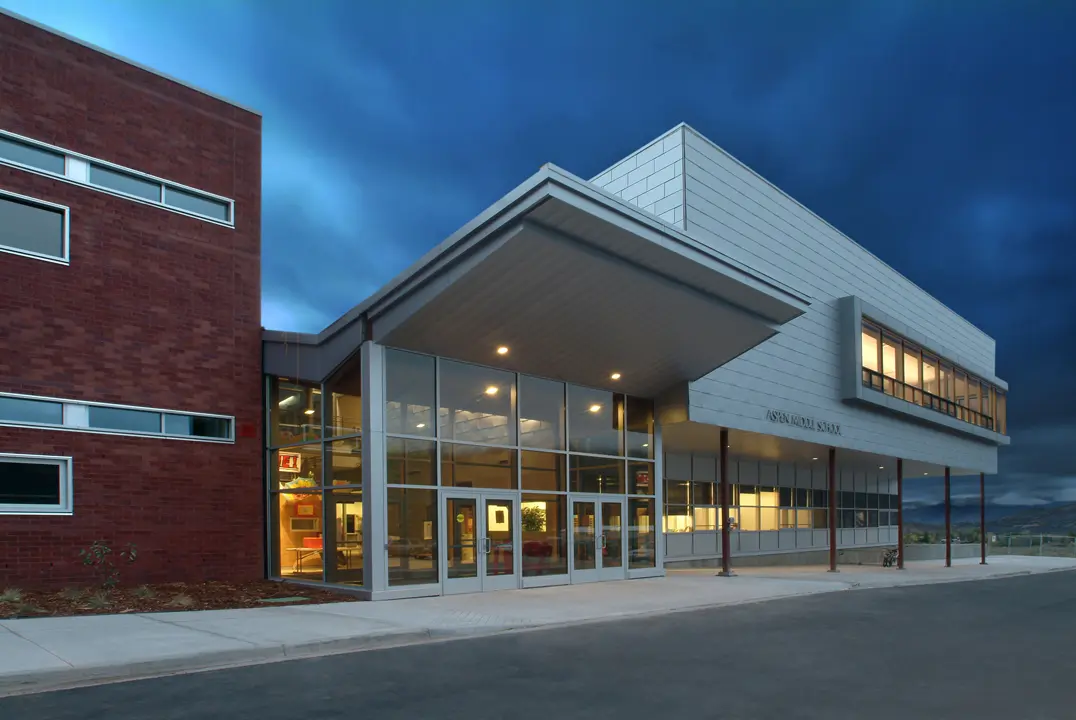






Aspen Middle School
Welcome to the Aspen School District. We are IB!
Aspen School District and International Baccalaureate are aligned to provide opportunities for students to engage in meaningful learning, reach their full potential, and contribute to their community.
Aspen School District is proud to offer a unified International Baccalaureate (IB) learning continuum from Pre-K through 12th grade. All three ASD schools are authorized IB World Schools, offering the Primary Years Programme (PYP), Middle Years Programme (MYP), and Diploma Programme (DP). Together, these programs provide students with a rigorous, globally focused educational experience throughout their journey at ASD.
IB develops inquiring, knowledgeable, and caring young people who help to create a better and more peaceful world through education that builds intercultural understanding and respect.